

Key takeaways
- The best desk accessories for productivity solve a comfort or focus problem first: monitor height, typing angle, cable chaos, or clutter.
- A monitor arm plus a laptop stand fixes most neck and posture strain by lifting your screen to eye level.
- According to the most recent CDC/NIOSH national survey, about 836,000 office and administrative workers reported low back pain linked to their jobs.
- Small upgrades like a desk mat, headphone stand and cable tray deliver the biggest visible impact for the lowest spend.
- Buy from an authorized dealer so you get genuine products, manufacturer warranties and islandwide delivery across Sri Lanka.
The best desk accessories for productivity are the ones that fix a real daily annoyance: a screen that sits too low, a laptop that cooks your wrists, or a tangle of cables you fight every morning. Get those right and you work longer in comfort, with fewer aches and far less visual clutter pulling at your attention.
This guide walks through the accessories that genuinely move the needle in 2026, how to pair them, and where to buy authentic gear with a warranty here in Sri Lanka. You will get specifics on what to look for, honest pros and cons, and a simple order of priority so you can upgrade without overspending.
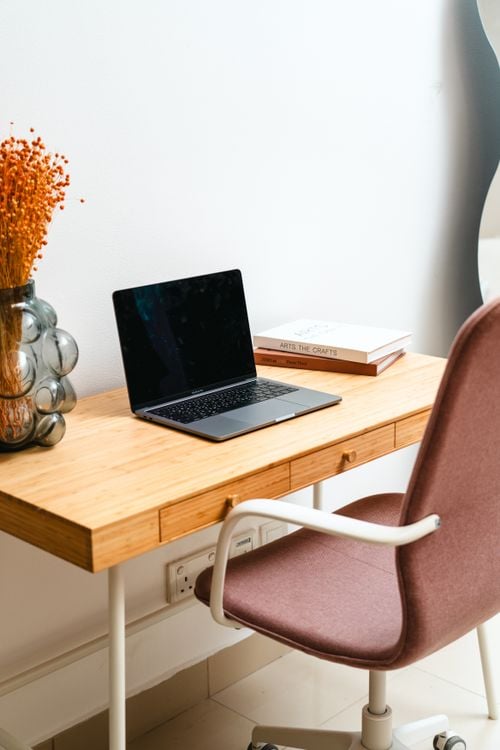
Why Your Desk Accessories Affect Focus and Comfort
Desk work quietly takes a toll on your body, and the right accessories are how you push back. According to the most recent CDC/NIOSH national survey, roughly 836,000 workers in office and administrative roles reported low back pain they attributed to their jobs (CDC/NIOSH Worker Health Charts, 2015). When your setup forces you to hunch, crane your neck or perch awkwardly, that strain compounds hour after hour.
Comfort and focus are linked. When your screen sits at eye level, your shoulders relax and your eyes stop straining. When your desk is clear, your brain has fewer things to track. The accessories below each remove one source of friction, and together they turn an ordinary desk into a place you actually want to sit at.
If back and neck aches already follow you home, the fixes below are worth prioritising, because they correct the root causes rather than masking the symptoms.
Monitor Arms, Laptop Stands and Organisers
These three categories deliver the most comfort per rupee, because they correct screen height, typing angle and clutter all at once. If you only upgrade a few things this year, start here.
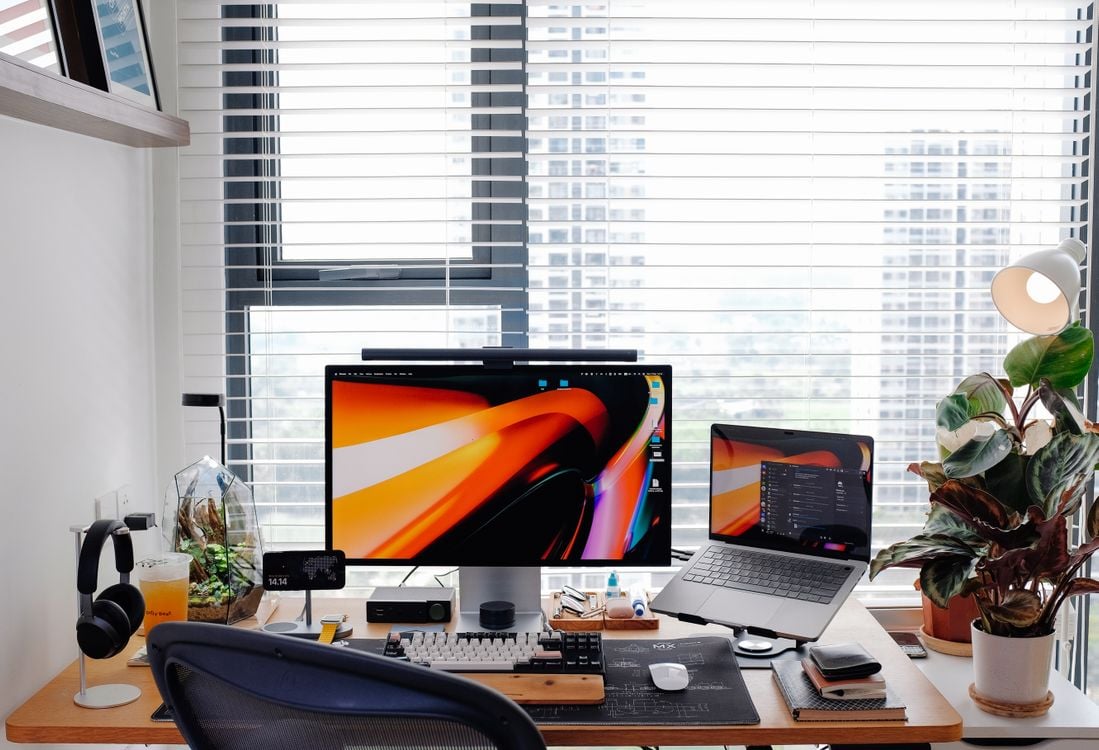
Monitor arms and dual monitor mounts
A monitor arm lifts your display off the desk and lets you set the top of the screen at eye level, an arm's length away. That single change keeps your neck neutral instead of tilted down, which is the most common cause of desk-related neck strain. Gas-spring arms let you reposition the screen with one hand.
What to check before you buy:
- VESA pattern: most monitors use 75x75mm or 100x100mm mounts.
- Load rating: confirm the arm supports your monitor's weight, including heavy curved panels.
- Reach and tilt: a full-motion arm gives height, depth, swivel and tilt.
- Single versus dual: a dual monitor mount holds two screens on one pole and keeps your bezels aligned.
Brands like North Bayou cover solid single and dual options, and a gas-spring model is worth the extra over a static arm if you move your screen often.
Laptop stands
A laptop stand raises your laptop screen toward eye level and improves airflow underneath, which helps with heat. Pair it with an external keyboard and mouse so you are not reaching up to type. Look for aluminium builds for heat dissipation, a stable base, and a folding design if you travel between home and office.
Desk organisers
A desk organiser corrals pens, sticky notes, cards and small tech so your working surface stays clear. Choose one with a mix of tall slots and shallow trays, and keep only what you use daily within arm's reach. Still deciding between the two big screen upgrades? Our breakdown of a laptop stand versus a monitor arm explains which fits your setup.
Small Upgrades With the Biggest Impact
The accessories that change your desk the most are often the cheapest. Desk work exposes a surprising share of the workforce to physical strain: the CDC/NIOSH survey found that about 41 percent of working adults frequently lift, push, pull or bend as part of their job, which makes an easy, supportive setup even more worthwhile for the rest of us who sit still too long.
Here are the high-impact, low-cost wins:
- Desk mat: a large mat gives your mouse a smooth surface, protects a walnut or wood top, and visually unifies your space.
- Headphone stand: gets your headset off the desk and frees up surface area instantly.
- Phone stand: keeps your phone upright and glanceable so it stops sliding into your workflow.
- Desk lighting: a warm, dimmable lamp reduces eye strain in the evening and makes video calls look better.
- Monitor riser: if an arm is not an option, a simple riser still lifts your screen and hides a keyboard underneath.
A phone stand sounds minor until you use one. Look for an adjustable angle and a weighted base so it holds a heavier phone upright without tipping.
Building a Coherent, Clutter-Free Desk
A tidy desk is a focus tool, not just a nice photo. The fastest route to calm is getting cables off the surface and out of sight, then giving every object a home. Clutter competes for your attention all day, and clearing it is one of the most reliable focus upgrades you can make.
Follow this order to build a coherent setup:
- Lift your screen first with a monitor arm or riser so your neck sets the baseline.
- Add a laptop stand and external keyboard if you work on a laptop.
- Route power and data cables through a cable tray or sleeve under the desk.
- Place a desk mat to define your main working zone.
- Add an organiser, headphone stand and phone stand for everything else.
- Finish with lighting that matches your room's warmth.
Cables are where most desks fall apart visually. For a step-by-step method, see our cable management tips for a clutter-free desk. Stick to one material and finish across your accessories, walnut and matte black, for example, so the desk reads as one coherent setup rather than a pile of parts.
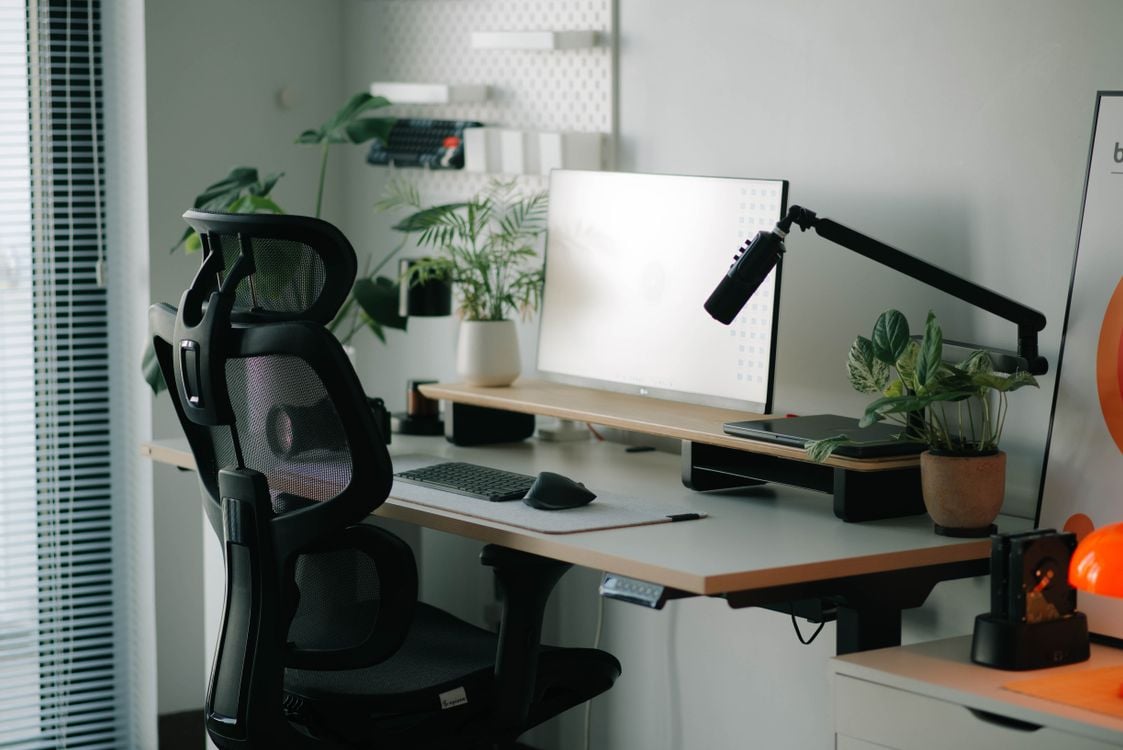
Where to Source Premium Desk Accessories in Sri Lanka
Buy from an authorized dealer so you get authentic products, a valid manufacturer warranty and support if something goes wrong. The desk-accessory market is full of lookalikes, and a monitor arm or standing desk mechanism that fails under load is both frustrating and unsafe. Genuine stock and a real warranty are worth the certainty.
Simplist Desk is a Sri Lankan store built around exactly this gear: monitor arms, laptop stands, cable managers, desk organisers, lighting and walnut desk collections, plus authorized-dealer brands such as Flexispot, North Bayou, Keychron and Divoom. You get prices in Rs, islandwide delivery and warranty assurance, so you can plan a full setup without importing piece by piece and hoping it arrives intact.
A practical way to start: pick one comfort upgrade, usually a monitor arm or laptop stand, and one clutter upgrade, usually a cable tray or organiser. Browse the ergonomic desk accessories at Simplist Desk to match genuine, warrantied gear to the desk you actually use every day.
Frequently asked questions
What are the best desk accessories for productivity in 2026?
Start with a monitor arm to lift your screen to eye level, a laptop stand, a cable tray, and a desk organiser. These four fix posture, reduce clutter and free up surface space, which is where most focus gains come from.
Do monitor arms really help your posture?
Yes. A monitor arm lets you set the top of your screen at eye level and position it an arm's length away, which keeps your neck neutral instead of tilted down. That is the single most common fix for desk-related neck strain.
How much do good desk accessories cost in Sri Lanka?
Prices vary by brand and build. Entry laptop stands and organisers are affordable, while gas-spring monitor arms and premium standing desks cost more. Buying from an authorized dealer protects you with a genuine manufacturer warranty.
Is a laptop stand or a monitor arm better?
They solve different problems. A laptop stand raises your laptop screen and pairs well with an external keyboard. A monitor arm is for external displays and offers full height, depth and tilt control. Many people use both.