

Key takeaways
- A PC shop sells the machine and core peripherals, but rarely the ergonomic gear that keeps you comfortable during long sessions.
- Positioning your monitor about 15 degrees below eye level, at roughly arm's length, is one of the simplest ways to protect your neck.
- Monitor arms and laptop stands free up desk space and let you set screen height precisely, which a plastic riser cannot.
- Local PC shops win on speed and hands-on checks; online ordering wins on range, warranty clarity and islandwide delivery.
- Budget for the finishing pieces (arm, stand, cable management, desk mat) alongside the PC, not months later.
When you search for a PC shop near me, you are usually ready to buy, and the fastest path to a genuinely comfortable setup is knowing what the shop stocks and what it leaves out. Most PC shops sell you a capable machine and a screen, then send you home to sit at whatever desk and chair you already own. That last gap, the ergonomic layer, is where comfort is actually won or lost.
This guide walks through what a local PC shop covers, the pieces you will likely need to add afterwards, and how to decide between a quick shop visit and ordering online in Sri Lanka.
What a PC shop covers, and what it doesn't
A good PC shop is built around the machine. Walk in and you can expect the tower or laptop, monitors, keyboards, mice, headsets, storage, and the cables to wire it all together. Staff can usually help you match a graphics card to your budget or talk through processor options. For the core build, this hands-on advice is genuinely useful.
What a PC shop rarely covers is how you will actually sit with that machine for eight or ten hours a day. Desks, chairs, monitor mounting, cable routing, lighting and the small accessories that reduce clutter are usually an afterthought or absent entirely. The result is a powerful setup perched on a cramped, poorly arranged desk.
That distinction matters more than it sounds. Back pain affects 619 million people worldwide and neck pain affects 203 million, according to the Global Alliance for Musculoskeletal Health, and prolonged desk work is a recognised contributor. Buying a fast PC does nothing for your spine.
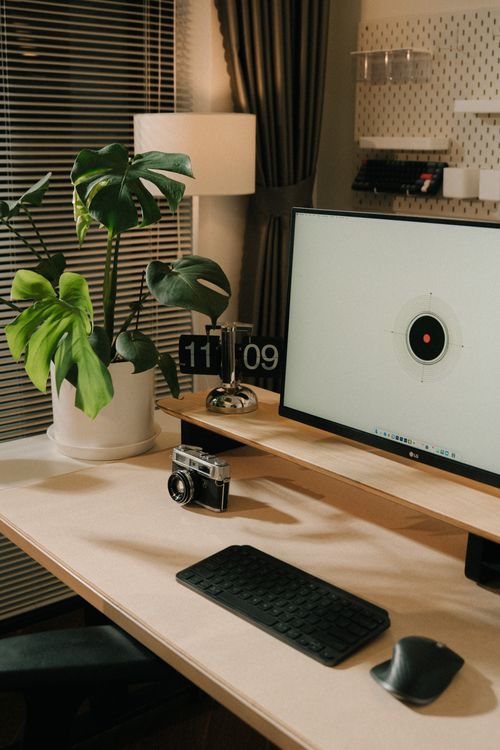
Ergonomic gaps to fill after buying your PC
Once the machine is home, the comfort work begins. These are the gaps most PC shops leave for you to solve:
- Screen height. Monitors sit too low on most desks, forcing you to look down and strain your neck.
- Chair support. A basic chair offers little lumbar support for long sessions.
- Desk clutter. Cables, chargers and peripherals crowd the surface and creep into your working space.
- Wrist and forearm comfort. A hard desk edge and a cramped mouse zone add up over a full day.
- Lighting. Poor lighting increases eye strain and pushes you to lean toward the screen.
The scale of the problem is not small. In 2024/25 an estimated 511,000 UK workers suffered from work-related musculoskeletal disorders, according to the UK Health and Safety Executive. A large share of office and remote workers report neck, back or shoulder discomfort, and much of it traces back to how the desk is arranged rather than the hours worked.
If you are setting up from scratch, our guide on how to set up an ergonomic home office in Sri Lanka walks through the full layout, from chair height to screen distance.
Monitor arms and stands for tidy, healthy setups
Screen position is the single easiest ergonomic win, and it is also the one PC shops most often ignore. The Canadian Centre for Occupational Health and Safety recommends placing the centre of your screen roughly 15 degrees below your horizontal eye level, at a viewing distance of about 40 to 74 cm, or close to arm's length. Getting there usually means raising the screen and pulling it into the right spot.
You have three common ways to do this:
- Plastic or wooden riser. Cheap and simple, but locked to a single height and depth.
- Laptop stand. Lifts a laptop screen closer to eye level, ideal when paired with an external keyboard.
- Monitor arm. Clamps to the desk and lets you set height, depth, tilt and rotation freely, and clears the surface underneath.
For most people running one or two monitors, an arm is the upgrade that pays off daily. It frees desk space, makes dual-screen setups tidy, and lets you fine-tune position instead of settling for whatever a fixed stand allows. Brands like North Bayou cover single and dual mounts with generous load ratings, and Simplist Desk stocks authentic units with manufacturer warranties and islandwide delivery, so you can match the arm to your screen size with confidence.
Not sure which route suits you? Our comparison of laptop stand versus monitor arm breaks down the trade-offs for different setups.
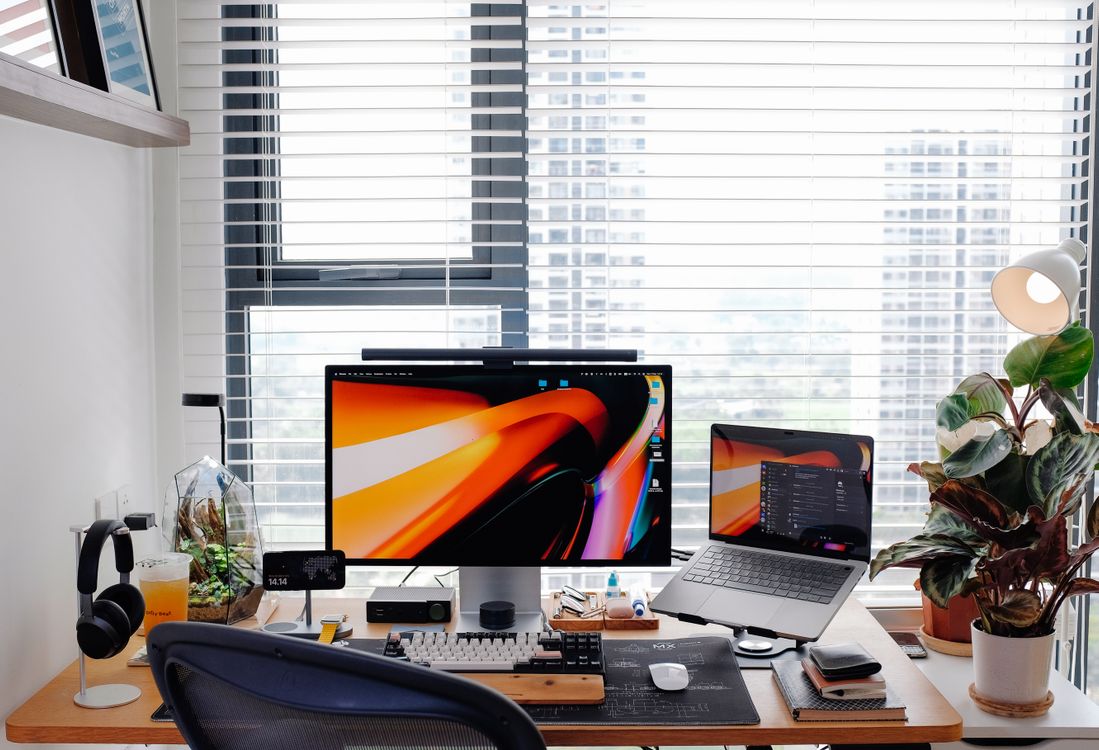
A quick monitor setup check
- Sit back in your chair in your normal working posture.
- Close your eyes, then open them looking straight ahead. Your gaze should land near the top third of the screen.
- Measure the distance to the screen. Aim for roughly arm's length.
- Tilt the screen slightly back so it faces your eyes squarely.
- If a window sits behind or beside the screen, angle the display to cut glare.
Run through this check whenever you re-arrange the desk, and it takes under a minute to confirm the screen sits where your neck wants it.
Online ordering vs local PC shop visits
Both routes have a place, and the smart move is often to use each for what it does best.
Local PC shop visits
- Pros: See and touch the hardware, get same-day pickup, ask staff questions face to face, avoid delivery waits.
- Cons: Limited stock of ergonomic gear, prices vary by shop, and range is capped by shelf space.
Online ordering
- Pros: Wider selection of accessories, clearer warranty terms, price comparison in minutes, delivery to your door.
- Cons: You cannot handle the item first, and you wait for shipping.
For the core machine and monitor, a local visit lets you verify condition and specs on the spot. For the ergonomic layer, monitor arms, stands, desk mats, cable management and lighting, online ordering usually wins on both range and warranty clarity. Simplist Desk covers this side with authentic, warranty-backed products and islandwide delivery, so the finishing pieces reach you wherever you are in Sri Lanka.
Completing your build with desk accessories
A comfortable setup is the sum of small, deliberate choices. Once the PC and screen are sorted, these accessories close the remaining gaps:
- Cable management. Trays, clips and sleeves keep cables off the surface and out of sight, which makes cleaning and re-arranging far easier.
- Desk mat. A large mat gives a smooth mouse surface, softens the desk edge under your wrists, and pulls the whole setup together visually.
- Desk organizer. Keeps pens, phone and small items in reach without cluttering your working zone.
- Task lighting. A focused desk lamp cuts eye strain and reduces the urge to lean toward the screen.
- Phone and headphone stands. Small holders keep your devices docked and your desk clear.
Prices in Sri Lanka vary by material and brand, so decide which pieces you actually use daily and start there. A desk mat and cable management usually deliver the biggest visible improvement for the least money, and the finishing touches, from a good lamp to a tidy organizer, give the whole setup character.
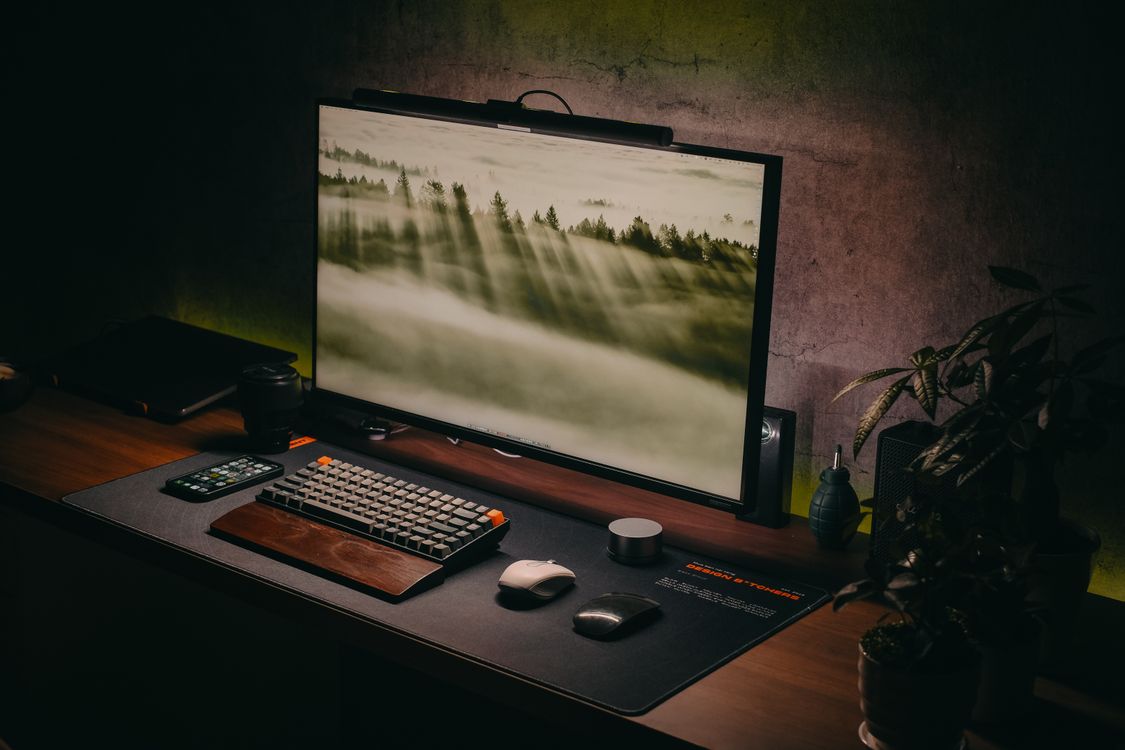
Your next step
Start by measuring your current screen height against the arm's-length, 15-degrees-below-eye-level target from CCOHS. If your monitor sits too low, a monitor arm or laptop stand is the first purchase to make, because it fixes the most common source of neck strain in one move. From there, add cable management and a desk mat to clear the surface, and you will feel the difference the same week. Browse Simplist Desk for authentic, warranty-backed accessories with islandwide delivery, and turn the machine you just bought into a setup you genuinely enjoy sitting at.
Frequently asked questions
What should I buy at a PC shop versus online?
Buy the tower, monitor and core peripherals where you can inspect them locally. Order specialist ergonomic gear like monitor arms, laptop stands and cable management online, where the range and warranty terms are clearer.
How high should my monitor sit?
The Canadian Centre for Occupational Health and Safety recommends the centre of the screen roughly 15 degrees below your horizontal eye level, at a viewing distance of about 40 to 74 cm.
Do I need a monitor arm or is a riser enough?
A riser fixes one height. A monitor arm lets you adjust height, depth, tilt and rotation, frees the desk surface underneath, and suits dual-screen setups far better.
Does Simplist Desk deliver across Sri Lanka?
Yes. Simplist Desk offers islandwide delivery on authentic, warranty-backed desk accessories, so you can complete your setup wherever you are.