

Key takeaways
- An adjustable desk is worth it if you sit for long hours, because switching between sitting and standing keeps you moving through the day.
- Electric desks suit daily, frequent height changes; manual crank desks cost less and work well if you adjust once or twice a day.
- Cornell ergonomists suggest a 20-8-2 cycle: 20 minutes sitting, 8 standing, 2 moving for every 30 minutes at the desk.
- Pair the desk with a monitor arm so your screen height follows you up and down, keeping your eyes aligned near the top of the display.
Yes, an adjustable desk is worth it if you spend long hours at a screen and want an easy way to stop sitting still all day. The real payoff comes from moving between sitting and standing, not from any single posture. This adjustable desk guide walks you through comfort, the manual versus electric choice, space and budget for Sri Lankan homes, pairing with a monitor arm, and picking the model that matches how you actually work.
Most of us underestimate how much we sit. National health surveys consistently show that a large share of adults get little physical activity outside of work, and long desk sessions add to that. A desk that invites you to stand a few times a day is a small nudge against that pattern.
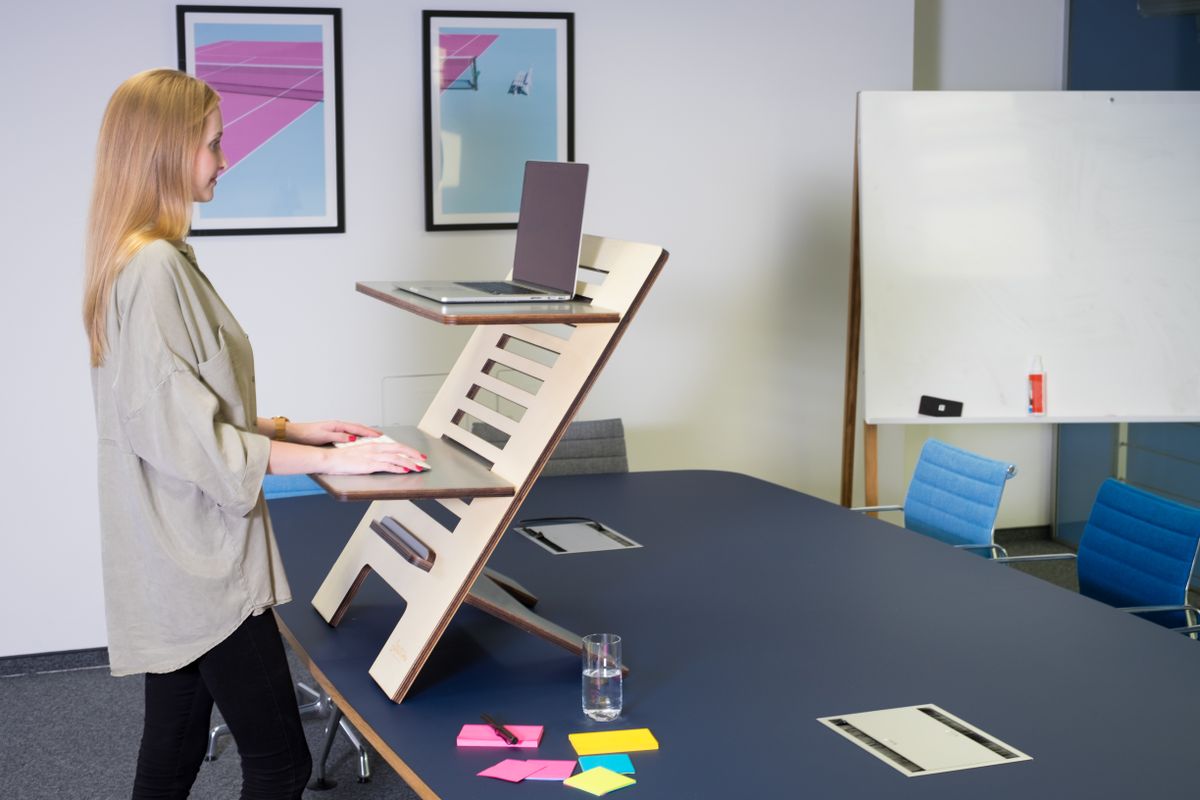
How Adjustable Desks Improve Daily Comfort
The comfort gain comes from variety. When you can drop the surface for focused typing and raise it after lunch, you break up the static posture that stiffens your neck, shoulders and lower back. Cornell University's ergonomics lab recommends a simple rhythm: for every 30 minutes, spend 20 minutes sitting, 8 minutes standing and 2 minutes moving or stretching (Cornell University Ergonomics).
That 20-8-2 pattern matters because movement, not standing itself, is what helps. Swapping one frozen pose for another gives you little. A desk that changes height in seconds makes the swap effortless, so you actually do it instead of promising yourself you will.
Let us be honest about the calorie myth too. Standing is not a workout. Health researchers have noted that standing burns only marginally more energy than sitting, far less than a short walk. So buy an adjustable desk for comfort and posture variety, not weight loss.
If back and neck ache is your main reason for looking, you are not alone. Research on desk workers with existing lower back pain has found that a structured sit-stand routine can ease that discomfort over a few months. Our guide on standing desk benefits covers who gains the most from switching.
- Breaks up long static sitting with easy posture changes
- Lets you match height to the task: lower for typing, higher for calls
- Encourages the 20-8-2 movement rhythm backed by Cornell
- Reduces the "glued to the chair" habit that stiffens the back
Manual vs Electric Height Adjustment
Pick based on how often you plan to change height each day. Electric desks raise and lower the surface with a motor at the press of a button, usually in under 15 seconds, which suits people who switch several times a day. Manual crank desks cost less and are reliable, but you spin a handle for 20 to 40 turns each time, so they reward people who set one or two heights and mostly leave them.
Here is the practical split for a Sri Lankan buyer weighing value.
Electric adjustable desks
- Pros: fast, effortless changes; memory presets on better models; smooth for frequent standing
- Cons: higher price; needs a power point; depends on a motor that can eventually wear
Manual crank desks
- Pros: lower cost; no electricity needed, handy during a power cut; very little to break
- Cons: slower; the crank effort discourages frequent changes; fewer convenience features

The health benefit is the same either way, because it flows from changing position, not from the mechanism. If budget is tight, a manual desk still delivers the core value. If you know you will stand often, the convenience of an electric model is what keeps the habit alive.
Space and Budget Considerations for Sri Lanka
Measure before you fall for a desk. Most Sri Lankan apartments and home offices have limited floor space, so a compact frame of around 100cm to 120cm wide fits better than a sprawling executive top. Check the desk's height range too: a span from roughly 70cm seated to 120cm standing suits most adults, and the load rating should ideally be 70kg or more if you plan to run a PC tower, dual monitors and a laptop stand.
Budget planning in Rs comes down to three bands. Manual frames sit at the affordable end, mid-range electric single-motor desks occupy the middle, and dual-motor desks with memory presets and sturdier steel sit at the top. Spend where it earns its keep: a stronger frame and a wider height range age better than flashy extras.
A few local factors tilt the value further in favour of buying well once. Authentic stock with a manufacturer warranty protects a motorised purchase, and islandwide delivery means you are not limited to what a single Colombo showroom has on the floor. At Lakshan, the adjustable desk and standing desk range is sold as authentic, warranty-backed stock with delivery across the island, so a motor fault is covered rather than your problem.
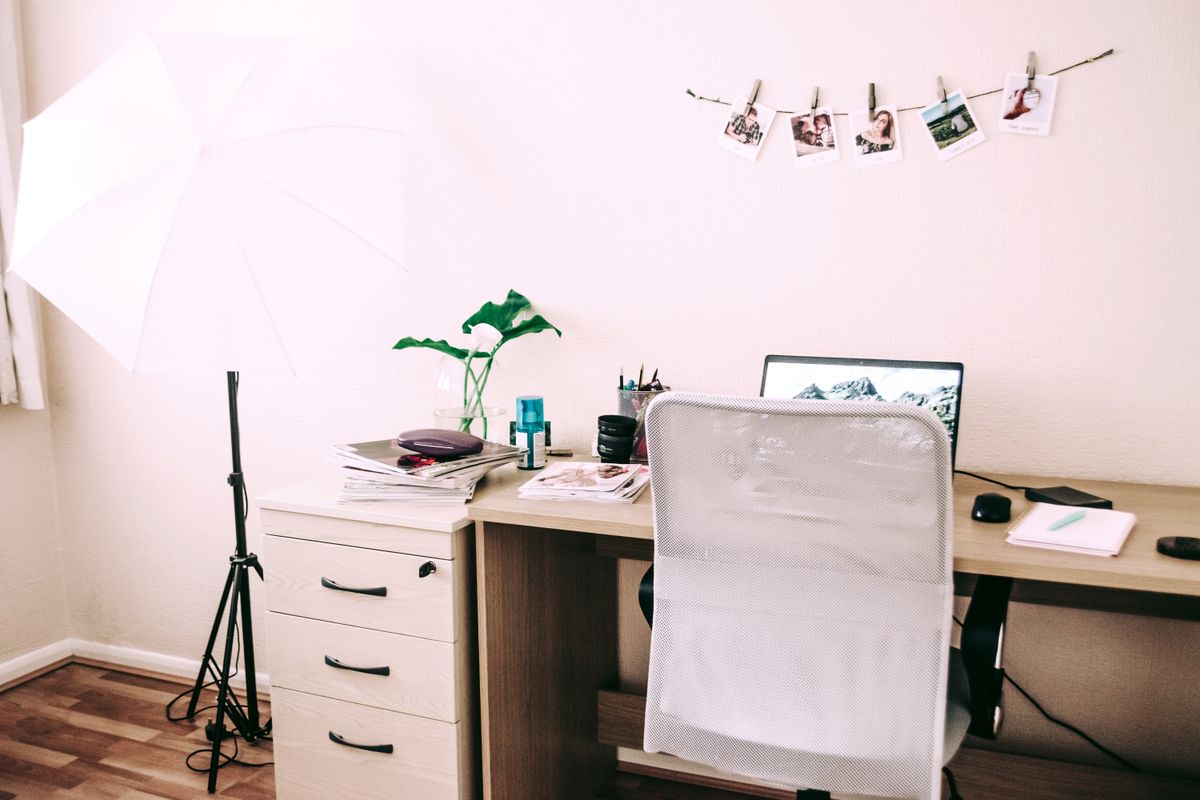
Think about the surrounding setup while you budget. Cable management becomes essential once a desk moves, because loose wires can snag as the surface rises. A few cable trays and clips keep cords tidy and safe through every height change.
Pairing Adjustable Desks With Monitor Arms
A monitor arm turns a good adjustable desk into a genuinely ergonomic one. When the desk rises, your screen should rise with it so your eye line stays correct. The Cornell ergonomics guidance linked above puts the ideal screen position with your eyes roughly 2 to 3 inches below the top of the monitor casing, and the screen centre about 17 to 18 degrees below horizontal. A fixed stand cannot hold that angle in both sitting and standing modes, but an arm can.
An arm also frees desk space and makes tilting or swivelling the screen easy, which matters more on a smaller Sri Lankan desk. For dual setups, a single or twin monitor arm keeps both panels level and close, so you are not craning sideways.
If you are unsure whether you need an arm, a riser or just a laptop stand, our comparison on laptop stand vs monitor arm breaks down which fits which setup. Lakshan stocks authorized North Bayou and other monitor arm options that clamp neatly to most adjustable desk tops.
Quick pairing checklist
- Confirm your monitor's VESA pattern (usually 75×75 or 100x100mm)
- Match the arm's weight rating to your screen size
- Mount the arm, then set the screen so the top sits at eye level
- Recheck the angle in standing mode and adjust the arm tilt
Adjustable Desk Guide: Choosing the Right Model for Your Work Style
Start from your daily routine, then buy to fit it. Someone on back-to-back calls who likes to stand will value an electric dual-motor desk with memory presets. A student or budget-minded creative who adjusts once a day is well served by a sturdy manual frame. A gamer or multi-monitor builder should prioritise a high load rating and a wide, stable top over fancy controls.
Use this simple match to narrow it down.
- Remote professional, frequent standing: electric, memory presets, 120cm range
- Budget or student setup: manual crank, solid frame, compact top
- Gamer or PC builder: electric or manual with 70kg-plus load rating, deep top
- Health-focused worker with back pain: easy, fast adjustment to encourage the 20-8-2 habit
- Small apartment: compact width, cable tray, monitor arm to reclaim surface
Whatever you pick, the deciding factor is whether you will actually change position during the day. The best adjustable desk is the one that makes movement so easy you stop thinking about it. Browse Lakshan's authentic, warranty-backed adjustable desk range with islandwide delivery, measure your space first, and choose the model that keeps you moving. For the full picture of an ergonomic setup around that desk, the standing desk benefits guide linked above is a good next read.
Frequently asked questions
Is an adjustable desk worth the money for home use?
If you spend several hours a day at a desk, yes. The value comes from changing posture often rather than the mechanism itself, so even a budget manual model delivers the core benefit of regular movement.
Is a manual or electric adjustable desk better?
Electric is better for frequent daily changes because a motor raises the surface in seconds at the push of a button. Manual crank desks cost less and suit people who set one or two heights and leave them.
How often should I stand at an adjustable desk?
Cornell ergonomists suggest roughly 20 minutes sitting, 8 minutes standing and 2 minutes moving per half hour. The aim is frequent posture changes, not standing for hours at a stretch.
Do I need a monitor arm with an adjustable desk?
You do not need one, but it helps a lot. A monitor arm lets your screen rise and fall with the desk so your eye line stays correct in both sitting and standing positions.
What desk height range should I look for in Sri Lanka?
Look for a range from about 70cm up to 120cm, which fits most adults from seated to standing. Check the load rating too, ideally 70kg or more if you run dual monitors and a PC.